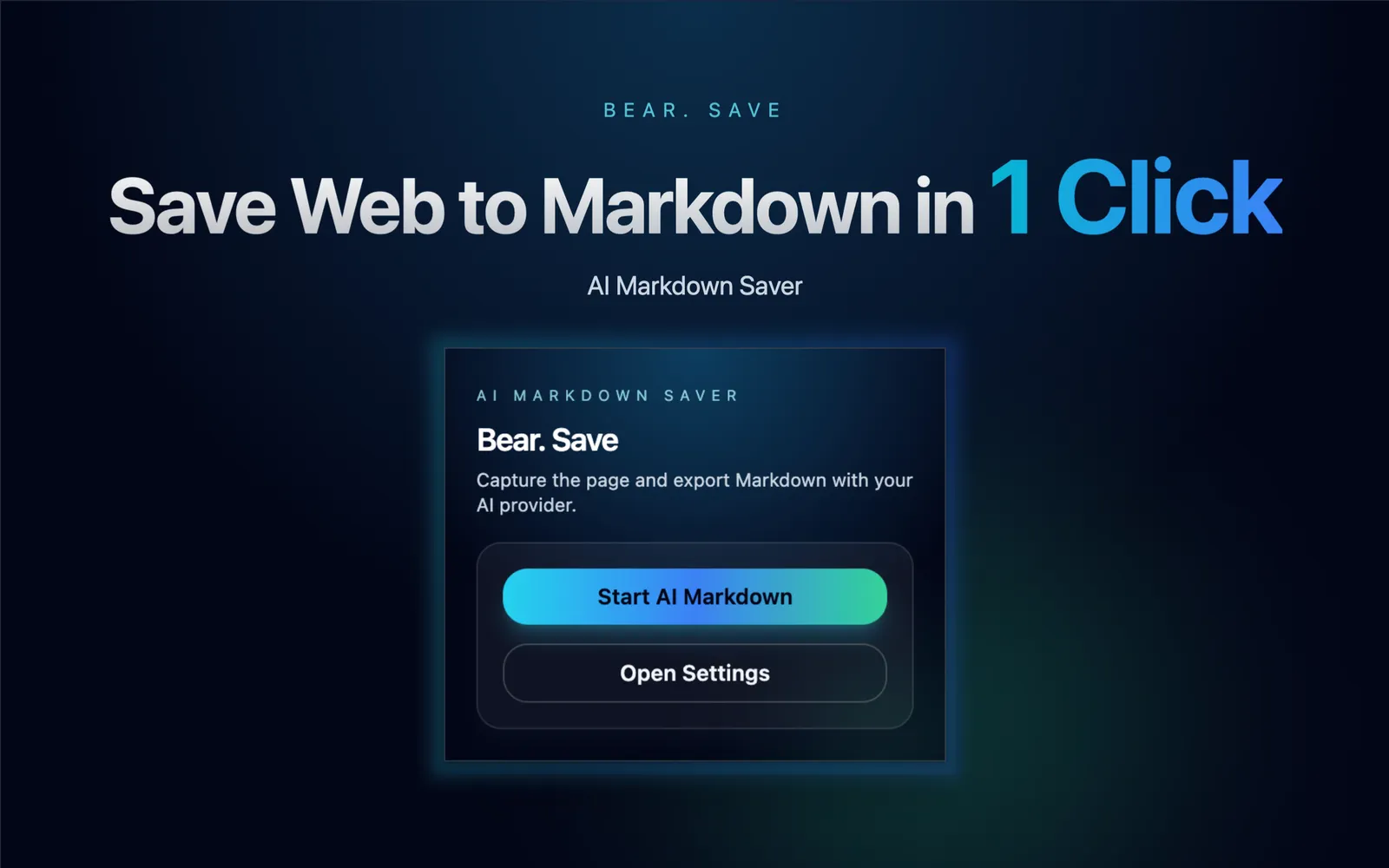
Bear. Save
Bookmarks break and pages change. Bear. Save asks your chosen AI to pull the useful content from the current tab and download clean Markdown, with your own key and a choice of Base64 or linked images.
Key Features

Bear. Save
AI Markdown Saver. Capture a webpage, let your preferred AI provider process the main content, and download it as Markdown.
Why do bookmarks always rot?
You save a link, and months later... 404. Or you get a messy HTML dump full of ads.
# Bear. Save
**Clean content extracted.**
No ads.
No sidebars.
Just the content you want.

Save the main content.
Bear. Save extracts the core content, cleans it up with AI, and saves it as a pristine Markdown file.
Read it beautifully on your Mac
MacMD Viewer
MacMD Viewer is a native Mac app that renders your saved .md files as clean, formatted documents. Quick Look preview in Finder, Mermaid diagrams, syntax highlighting, and 12 themes — the perfect reading companion for Bear. Save.
Features
One-Click Capture
Right-click or click the toolbar button. It's that easy.
Bring Your Own AI
Connect an OpenAI-compatible API to process and format your content.
Smart Image Handling
Embed images as Base64, or keep original URLs to save space.
Background Processing
Queue up multiple pages and let them process in the background.


How to use Bear. Save
Save a webpage as Markdown
- Install the extension from the Chrome Web Store. In settings, enter an OpenAI-compatible service URL, model, and API key.
- Choose an image strategy, open the page you want to save, and start a capture from the extension popup or the right-click menu.
- The extension extracts and processes the page in the background, then downloads a Markdown file. Check task status in the popup.
Data and images
- The extension reads the current tab and sends the extracted title, URL, body, and other content to the AI service you configured. The provider may charge for use, so check its privacy policy and pricing. Your API key is stored in local extension storage.
- Base64 mode tries to embed images in the file, which usually makes it larger. If an image cannot be fetched, its original link may remain. Keeping image URLs makes the file smaller, but those links can stop working.
- Extraction depends on the page structure and content currently accessible. Review the generated file after saving.