Bear. Locker
Bear. Locker keeps ID copies and cards in one library and PDFs in another, all on your iPhone. Before sharing a copy, you can add a watermark with the recipient or purpose.
Key Features
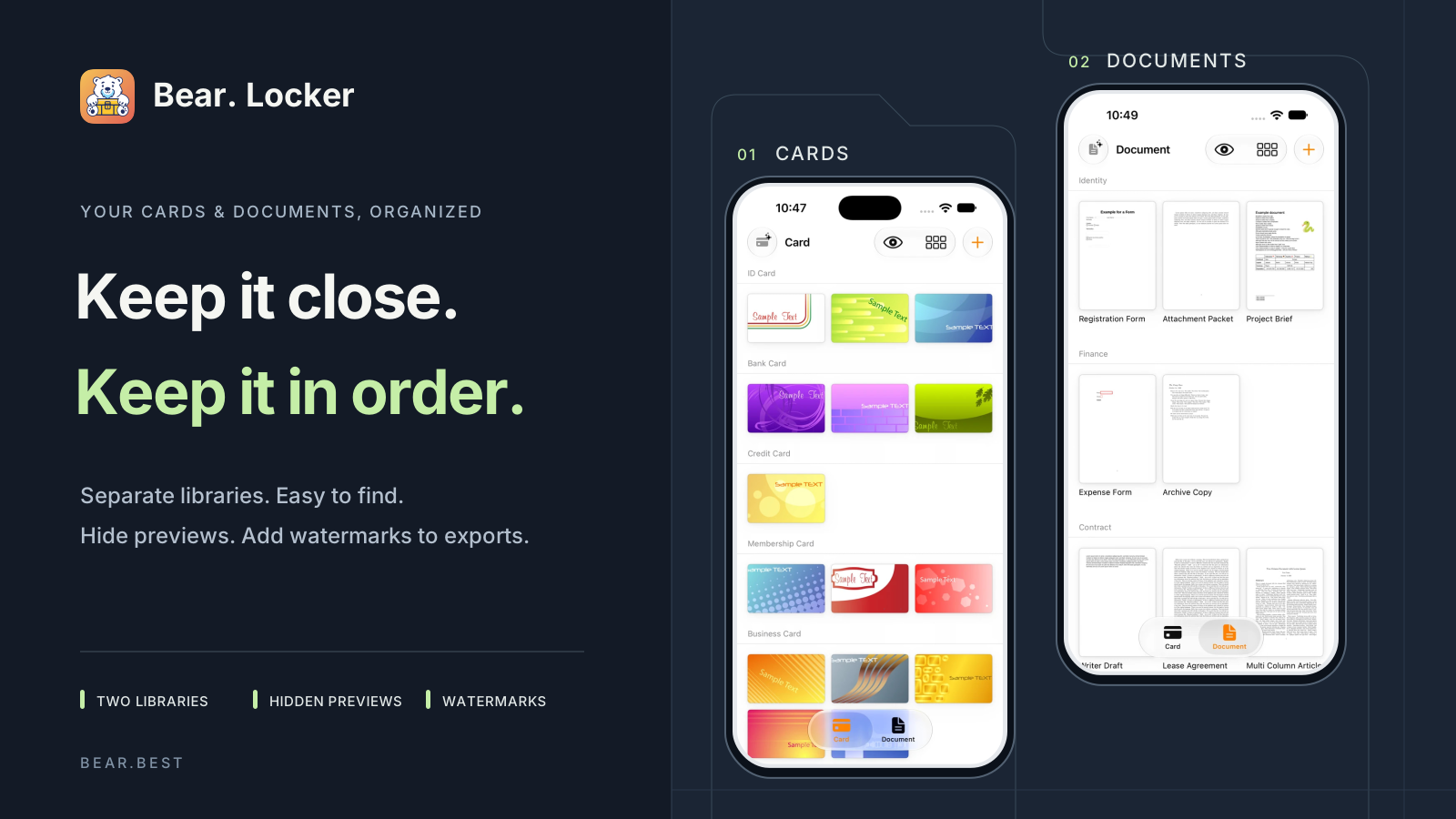
Keep ID cards and PDFs organized on your iPhone.
Use Card Locker for ID cards and passport copies, and Document Locker for contracts, forms, and PDFs.
Card and document libraries
Browse each library, show or hide card previews, and add a watermark before exporting a copy.
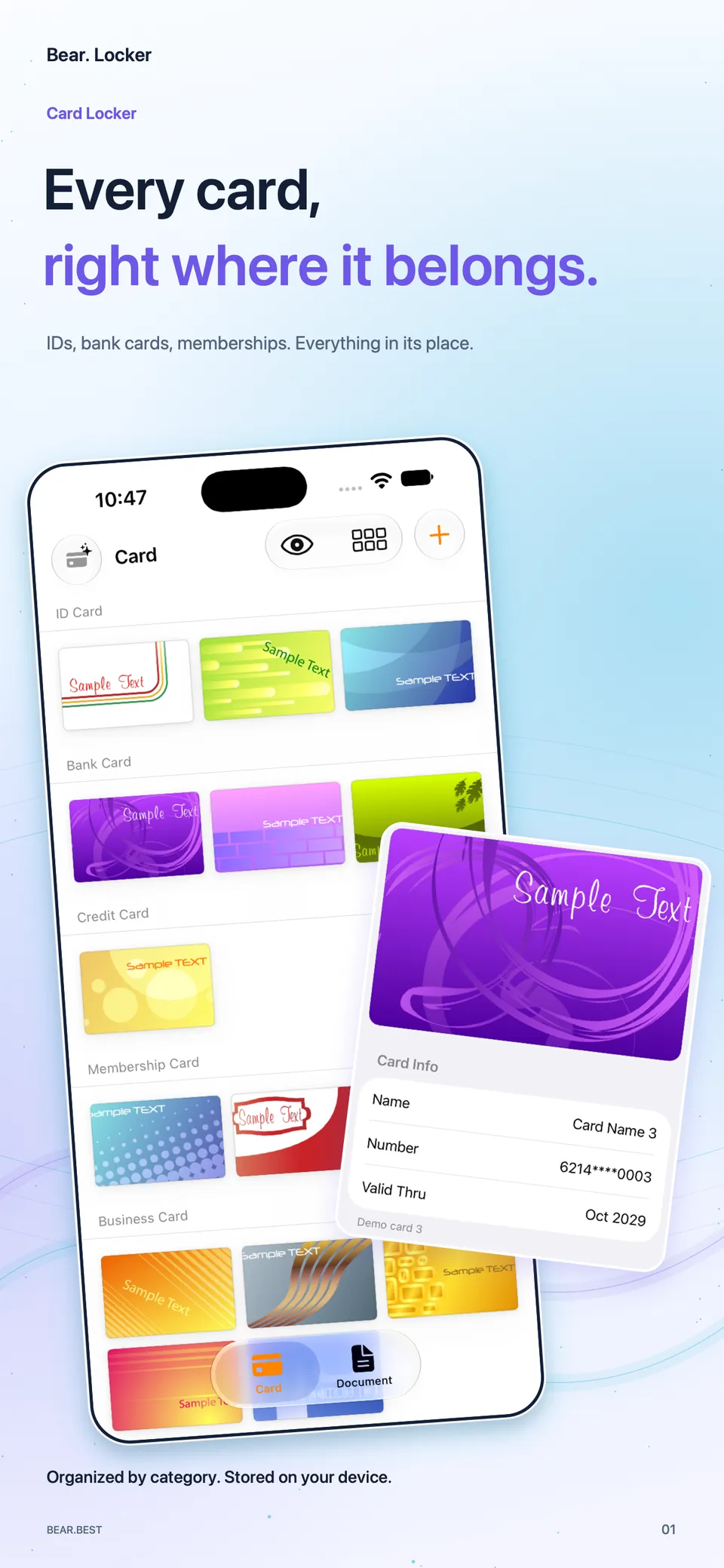
Card Locker for IDs and cards
Keep IDs, bank cards, and membership cards sorted by category so they're easier to find.
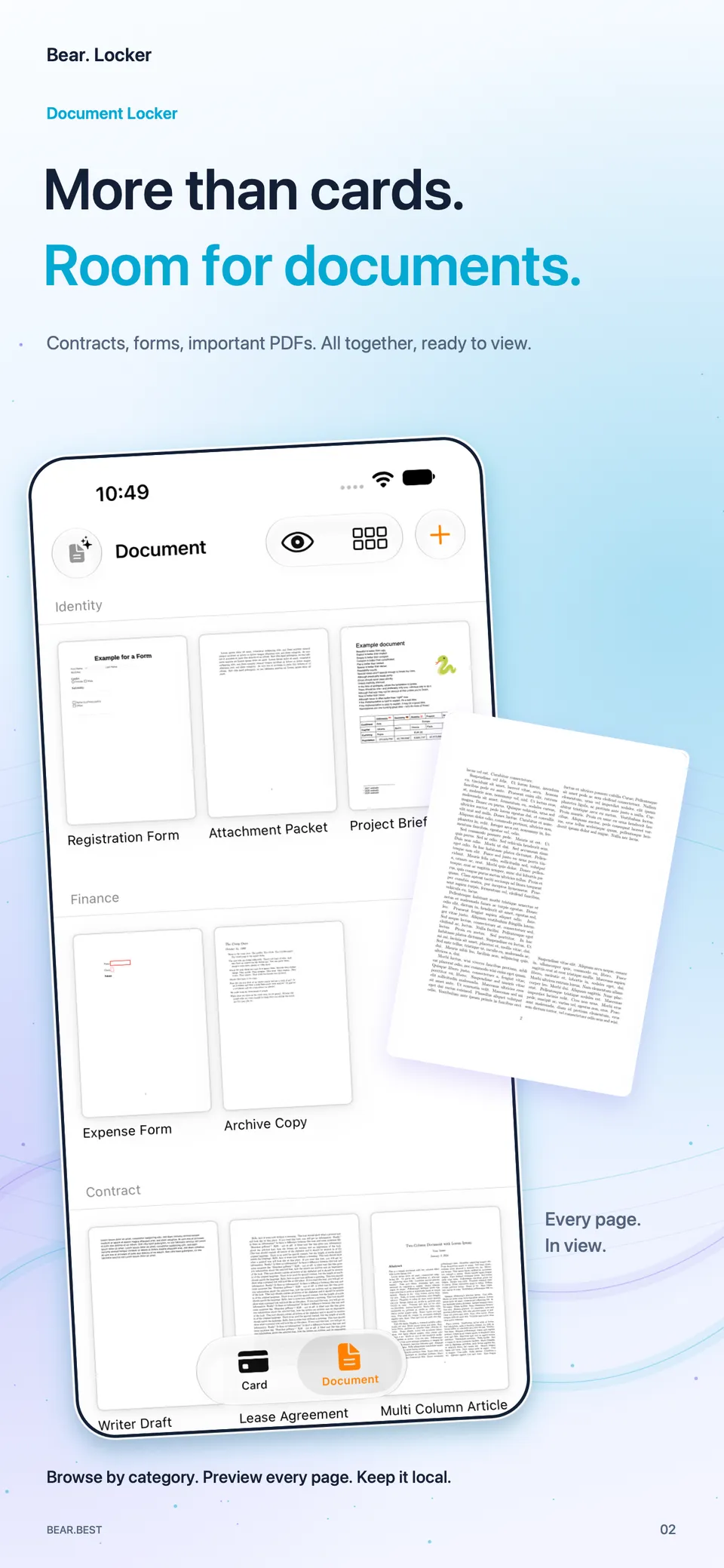
Document Locker for PDFs
Keep contracts, forms, and other PDFs together, ready to preview when you need to check something.
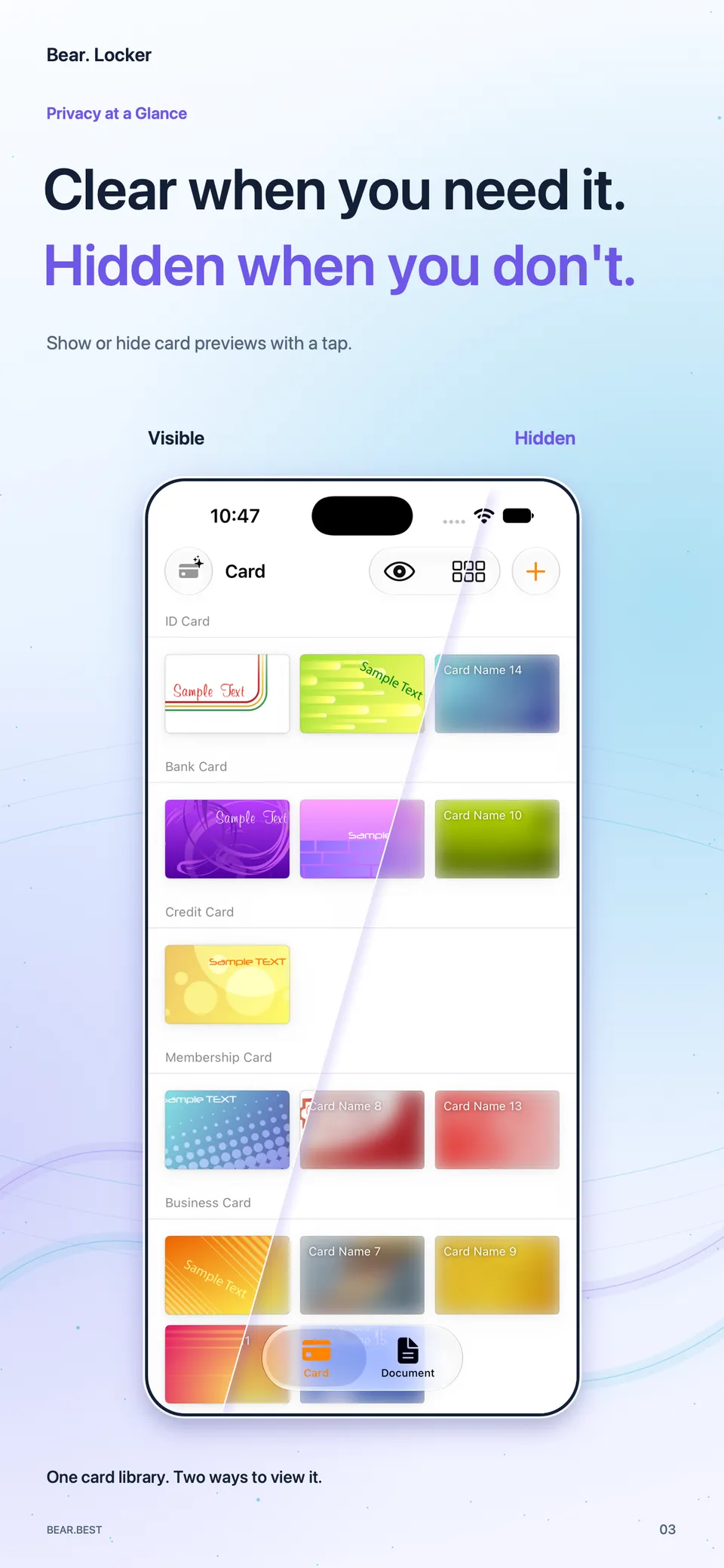
Show or hide card previews
Browse your cards with the previews hidden when other people are nearby.
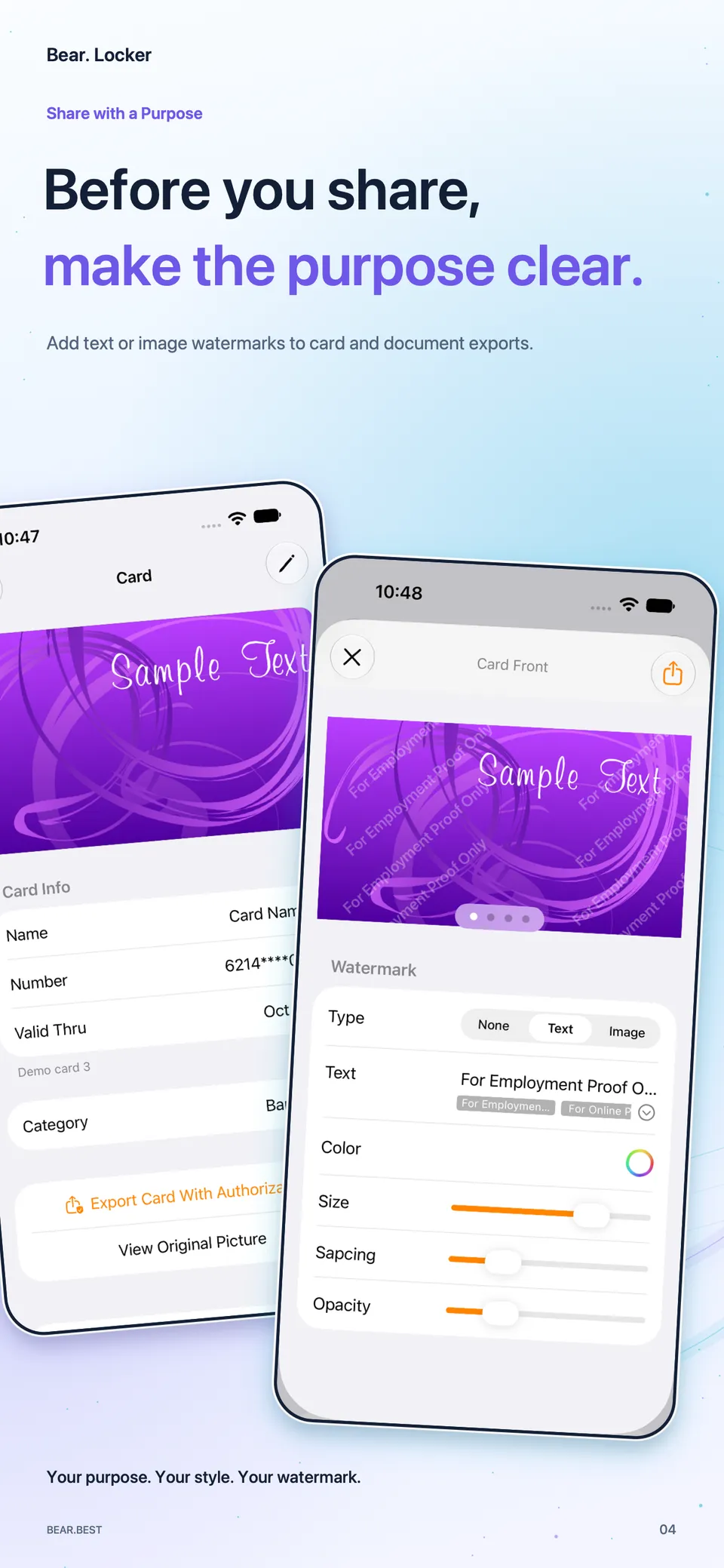
Add a watermark before sharing
Mark the intended use before sharing to help reduce the risk of your IDs and documents being used for other purposes.
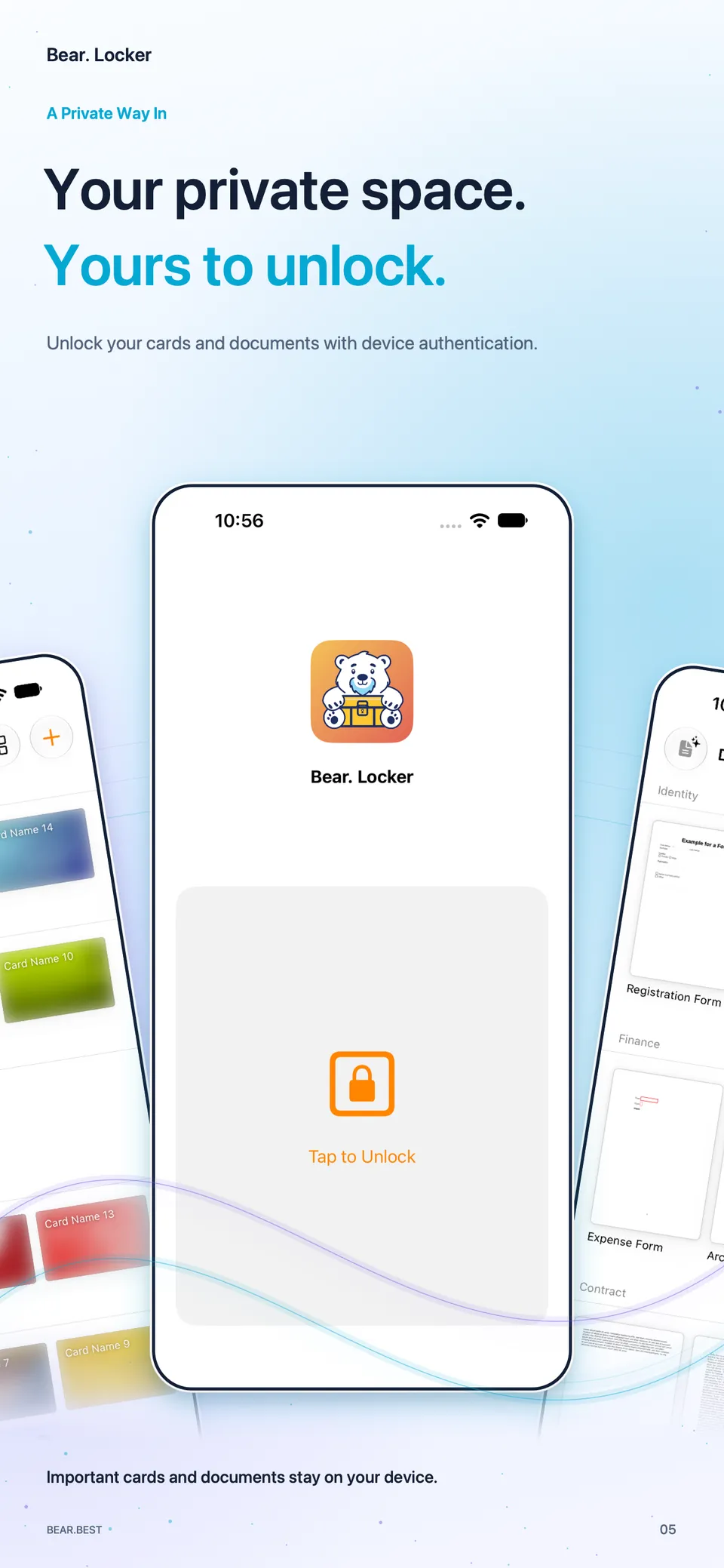
Unlock with device authentication
Keep the personal information in your IDs and documents private. Verify your identity before viewing them.
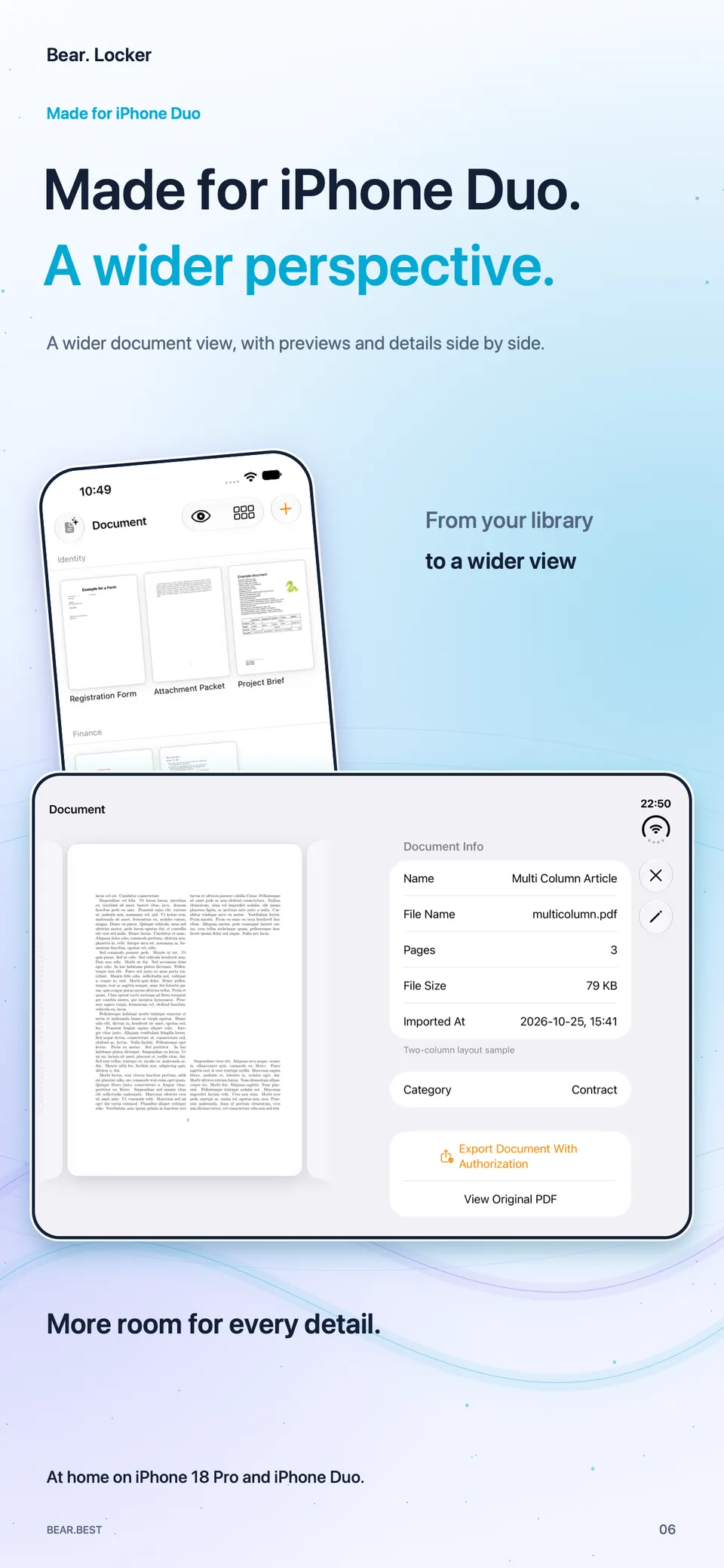
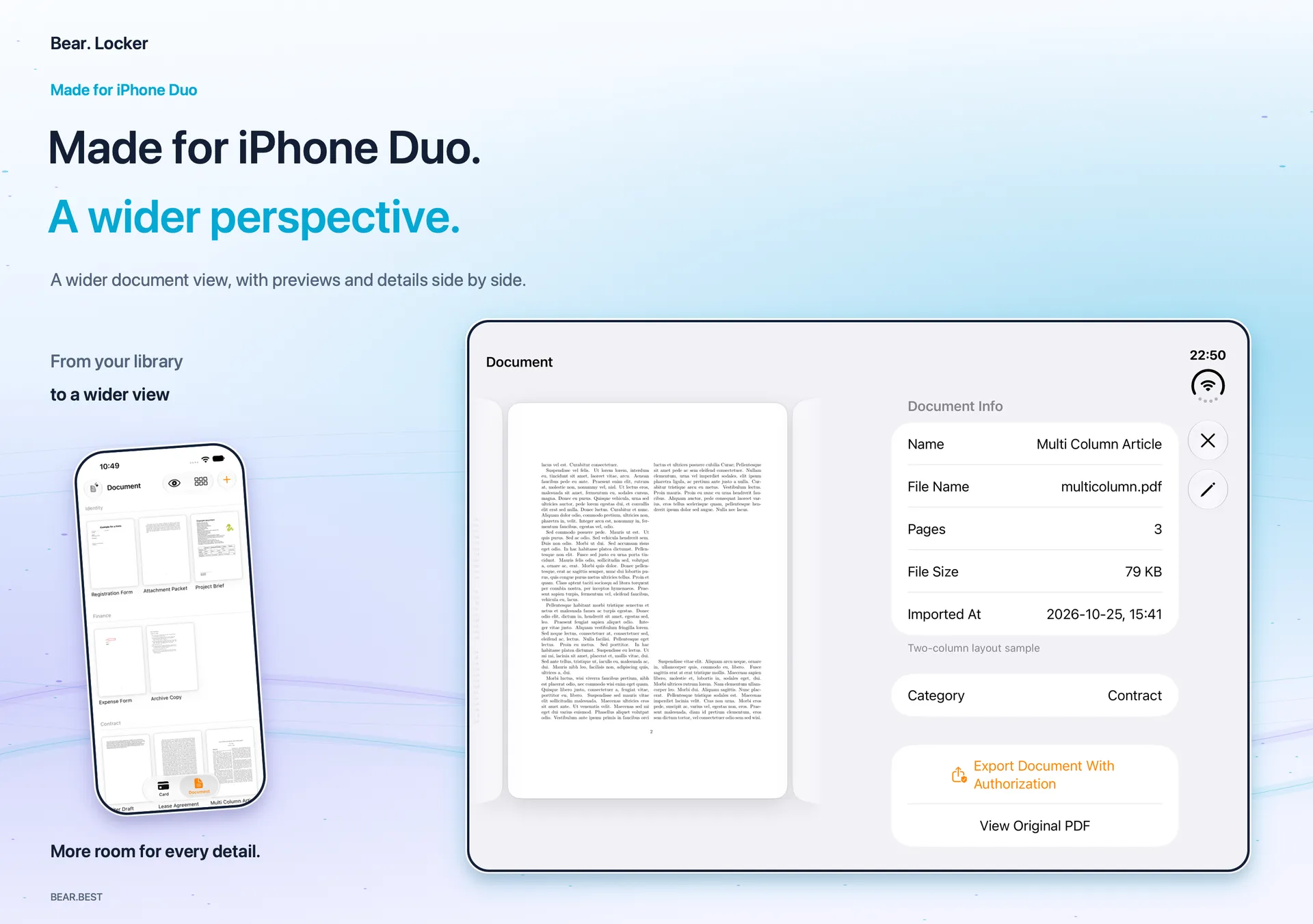
iPhone Duo support
The wider screen puts the preview beside its details, so you can check both with less switching.
iPhone 18 Pro · iPhone Duo
See previews and details side by side
Browse cards and documents in portrait. Unfold the screen to view a document preview beside its details.
Keep your copies local. Choose how to share them.
Local storage
Your card images and PDFs are stored on your device.
Device authentication
Open the app with your device's authentication to access your card and document libraries.
Watermarks for a specific purpose
Add the recipient, purpose, or date as a watermark before exporting a copy of a card or document.
Start free. Upgrade the locker you need.
Each Pro purchase unlocks all features in its own locker.
Free
$0
to get started
- Limited cards and documents
- Limited categories
- Text watermarks only
Card Locker Pro
$1.99
in-app purchase
- Unlimited cards
- Unlimited card categories
- Text and image watermarks
Document Locker Pro
$1.99
in-app purchase
- Unlimited documents
- Unlimited document categories
- Text and image watermarks
US App Store prices shown. Your local App Store price applies.
Start with a card or a document
Keep the ID copies and PDFs you use most on your iPhone, ready to view or share when you need them.
Download free on the App Store