Recurring entries and transfers
Set up daily, weekly, monthly, or yearly schedules for regular income, subscriptions, and transfers between wallets. Review and edit plans in one place.


Bear. Money is a personal finance app for managing multiple wallets, recording daily transactions, and checking bills and repayments in one place. Use tags for quick entries and analyze income and expenses by category, purpose, or context. Review asset changes by year or month, and schedule recurring entries and transfers. Your data stays on your device, with support for iCloud sync, data export and import, and automatic backups.
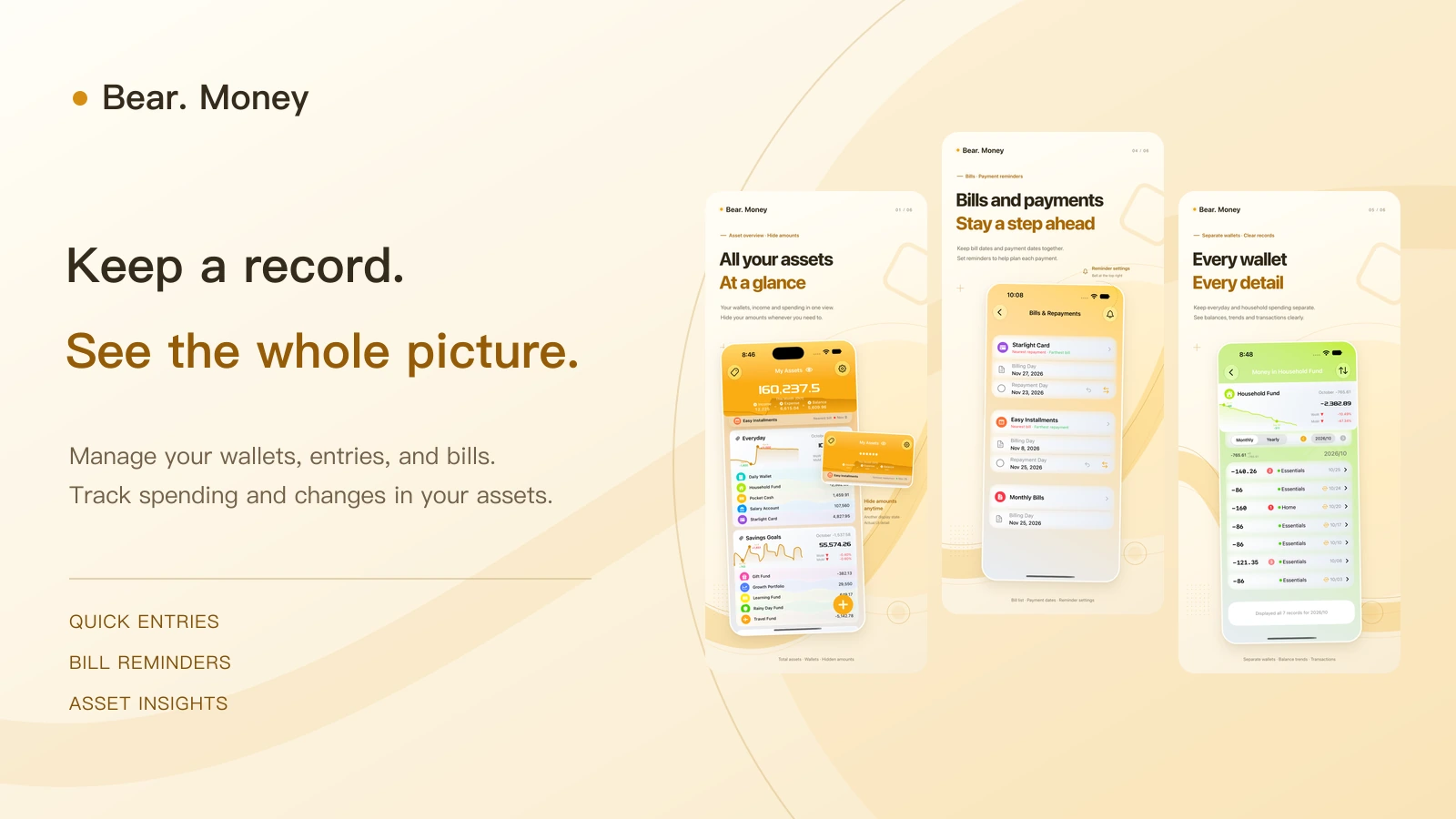
Everyday spending · Personal finances
Record daily income and expenses, check wallet balances, and keep track of bills and repayments. See how your assets change over time.
Explore featuresYour wallets, transactions, and bills in one place.
iPhone · iPadFrom the overview to each entry
Browse app screenshots of the financial overview, spending analysis, transaction entry, and bills.
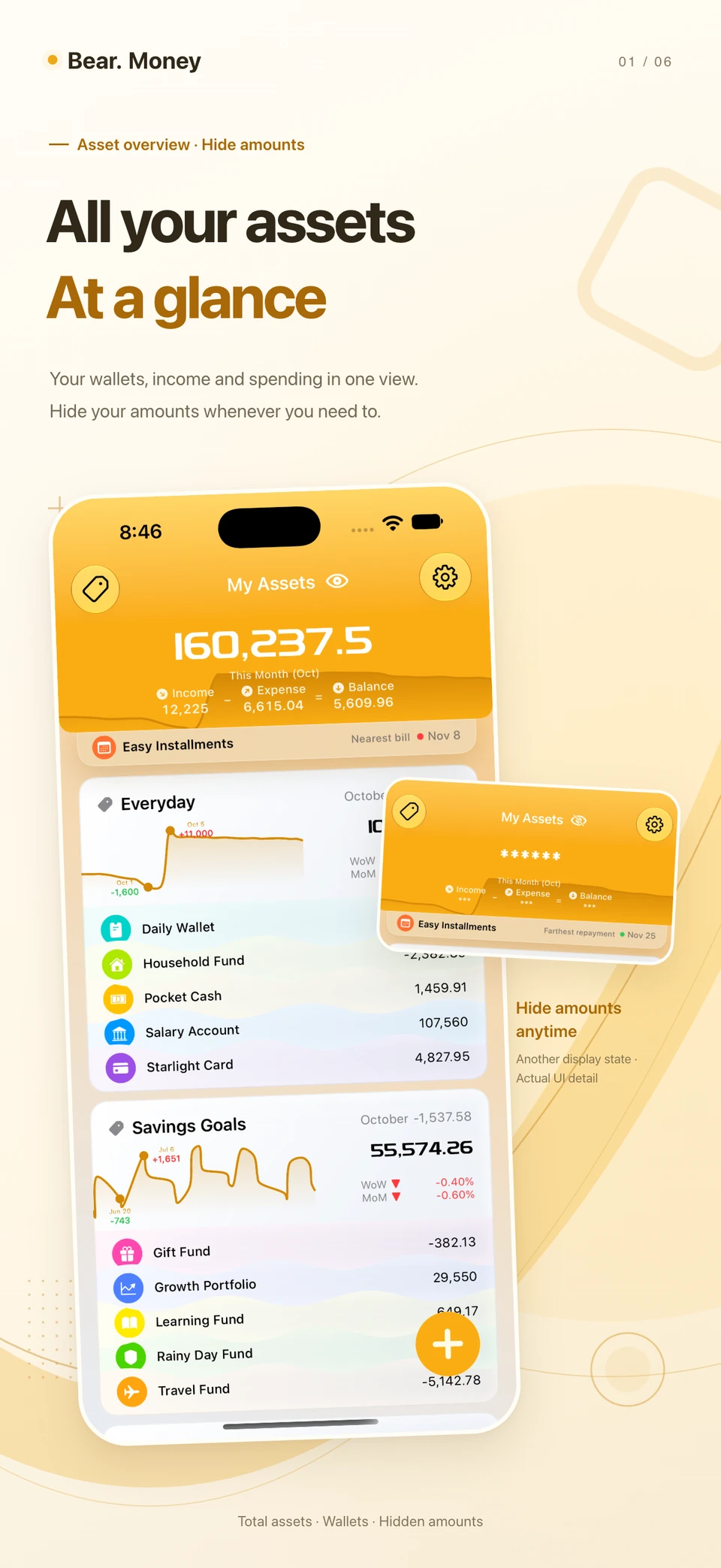
See balances across wallets alongside monthly income and expenses. You can hide amounts for privacy.
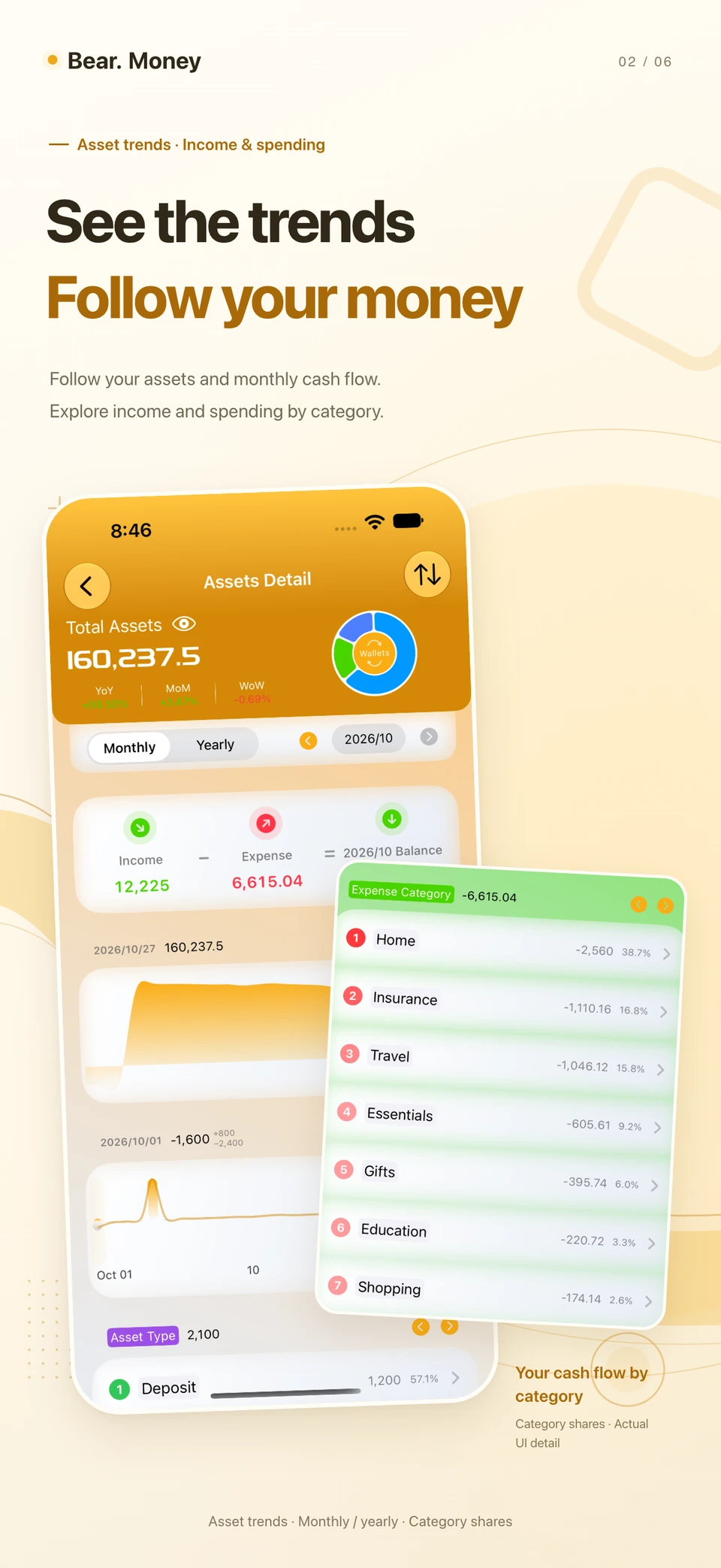
Review assets and cash flow by year or month, then explore category shares and rankings to see where money comes from and goes.
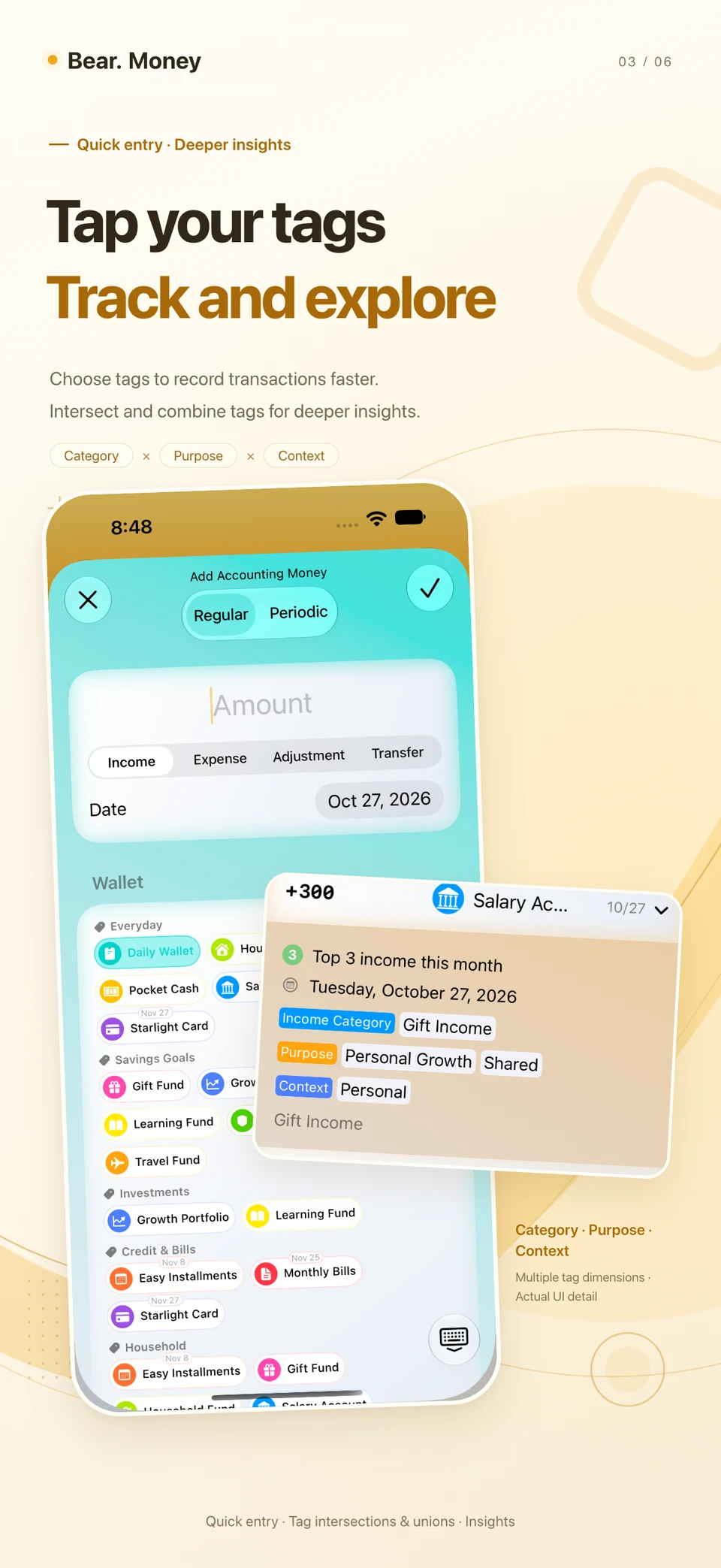
Use tags to categorize entries quickly. Filter by overlapping tags or combine them to analyze income and expenses by category, purpose, or context.
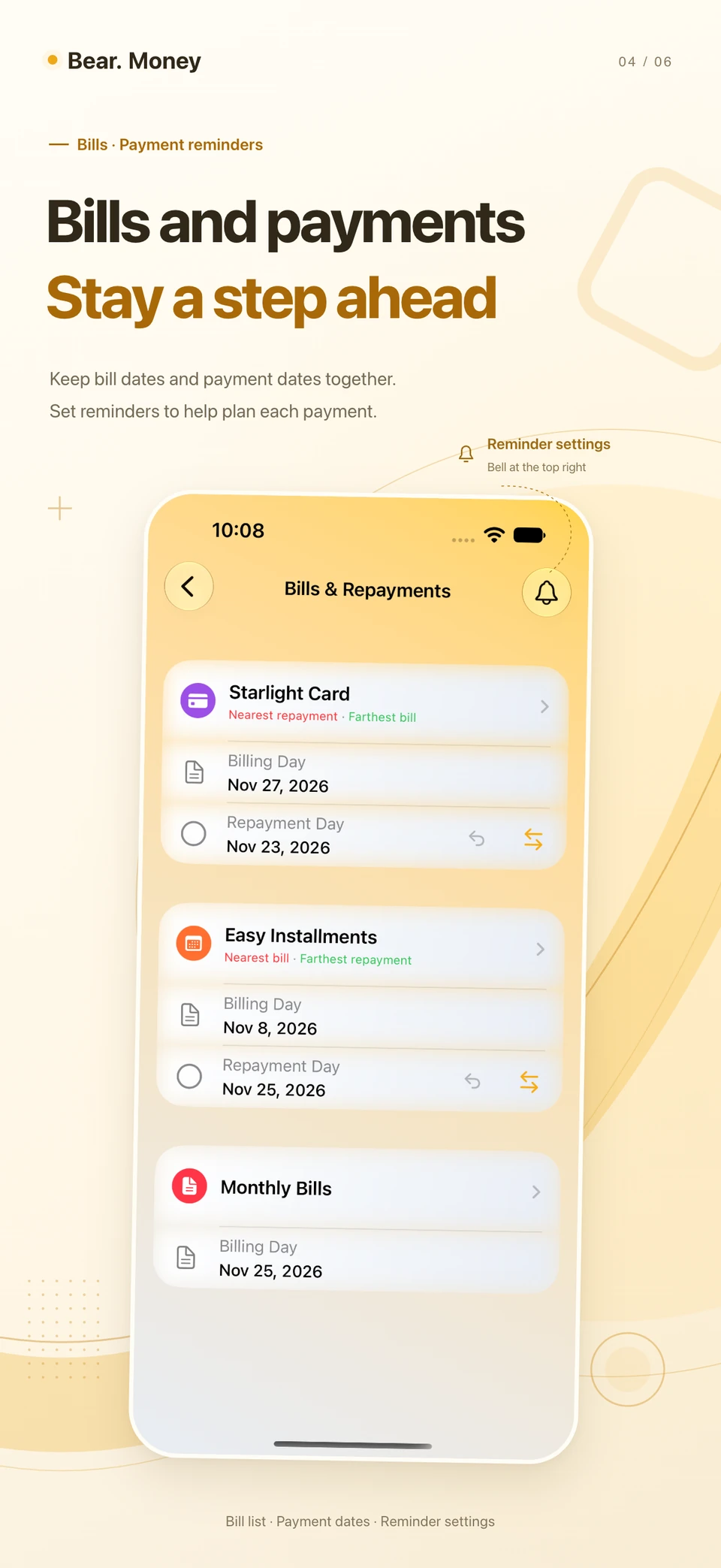
Check billing and repayment dates across wallets. Set how far in advance to receive reminders and what time they arrive, then mark repayments as complete. Enable reminders and allow notifications on each device.
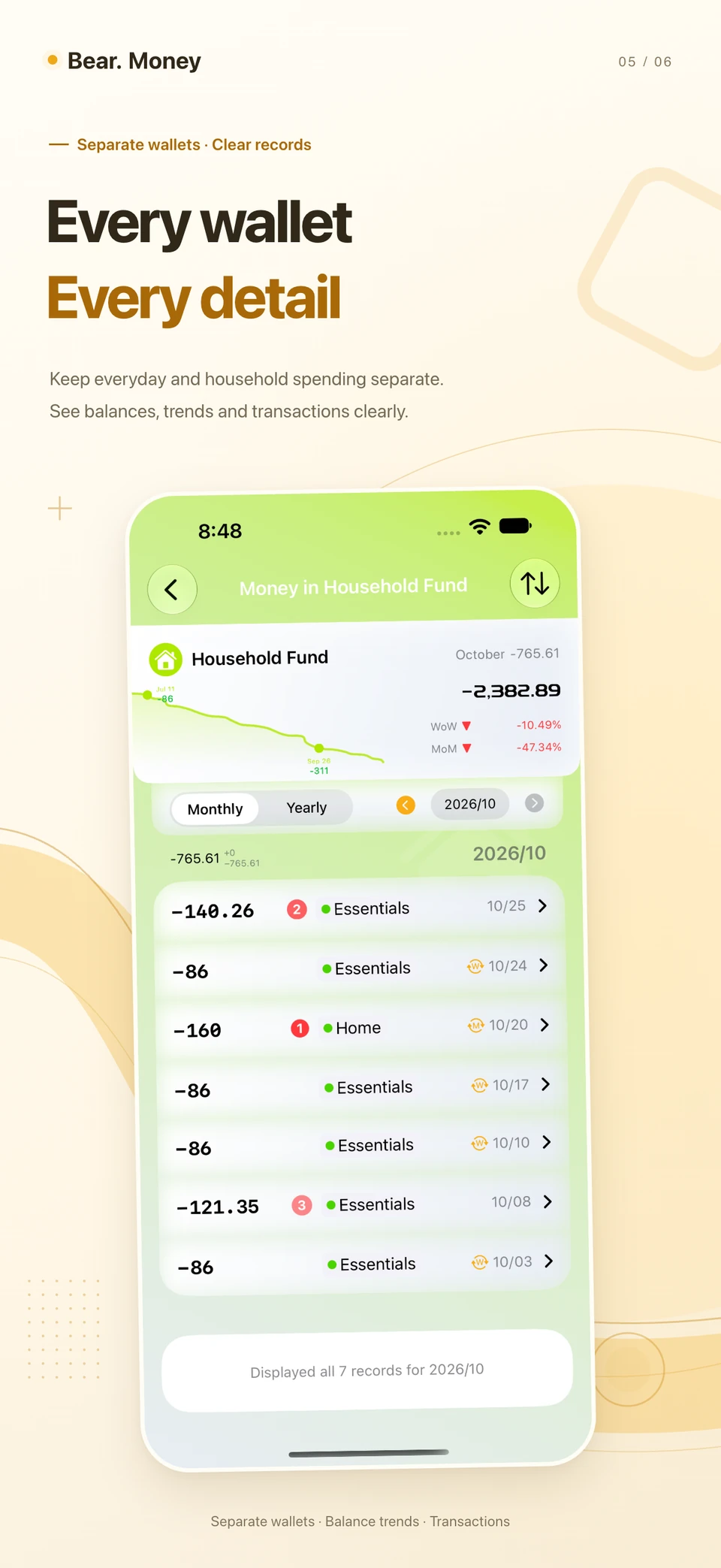
Group wallets with labels and adjust the size and order of their cards. Keep everyday and household spending separate, and check balances, trends, and transaction history.
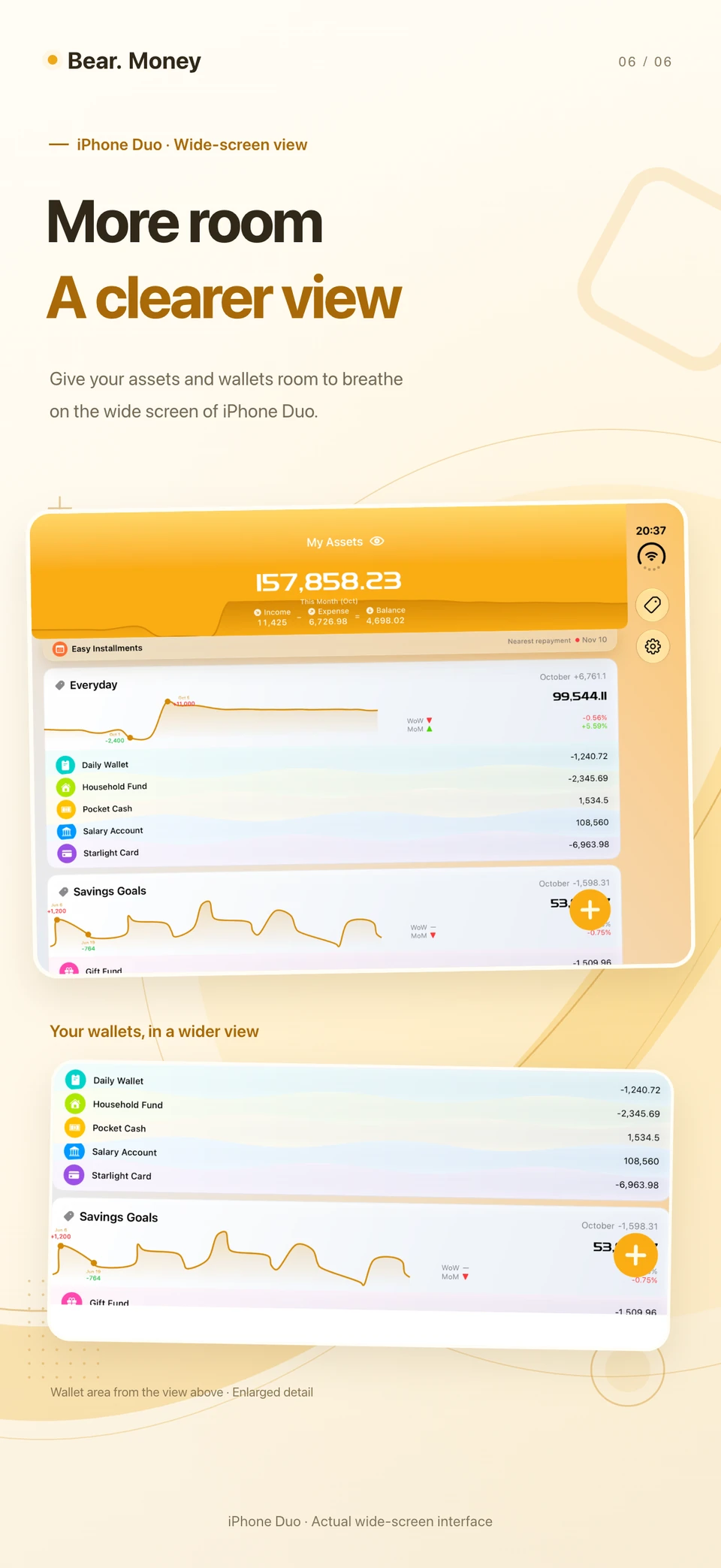
The iPhone Duo layout gives your assets and wallets more space on screen.
The posters and app screenshots are in English. Select an image for a closer look.
iPhone Duo · Wider layout
A wider display gives your financial information more room.
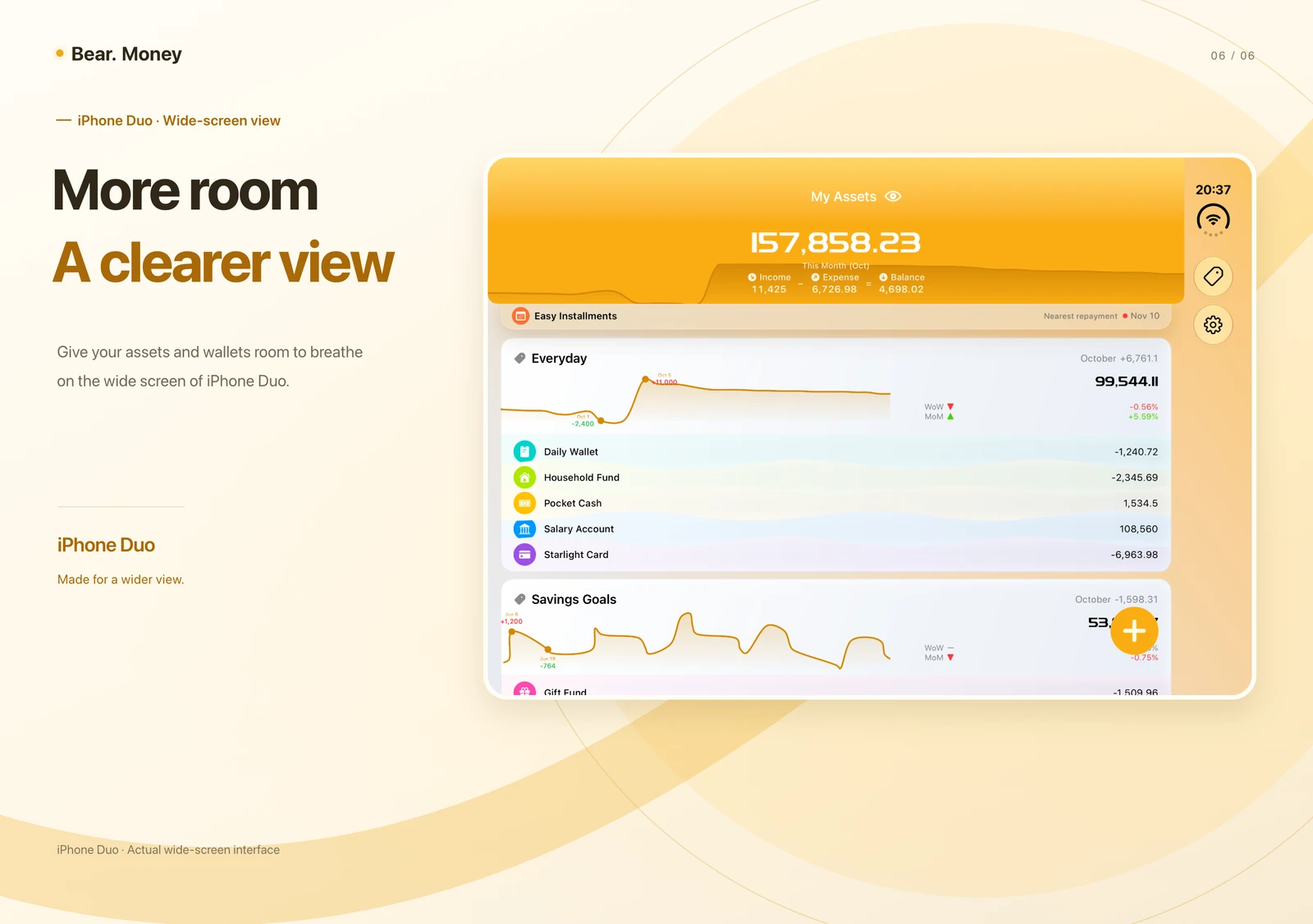 View the wide layout
Schedules and data management
Schedule recurring entries and sync records through iCloud. Back up your data and restore it when needed.
Set up daily, weekly, monthly, or yearly schedules for regular income, subscriptions, and transfers between wallets. Review and edit plans in one place.
Your data stays on your device and syncs through iCloud to devices using the same account. Switch devices to continue recording or checking transactions.
Export and import JSON data files, or restore from a backup. Back up manually or set up automatic scheduled backups.
Hide amounts on the home screen and lock the app with device authentication.
Bear. Money
Use Bear. Money to record transactions and track wallet balances, bills, and changes in your assets.
View on the App StoreAvailable on iPhone and iPad