


Bear. Cowin
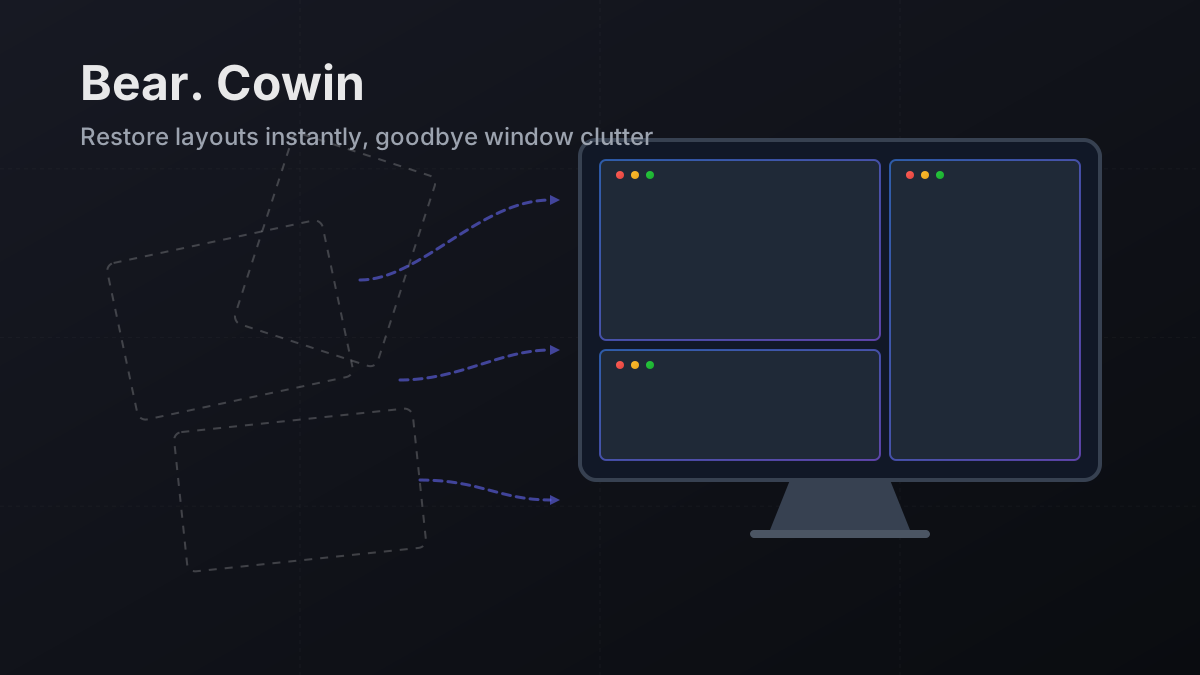
Snap tools arrange one window; Bear. Cowin remembers the whole desk. A shortcut reopens missing apps and restores every saved window, while percentage-based layouts adjust to different screens.
Key Features
Bear. Cowin
A native macOS window layout manager. Group windows from multiple apps into scene layouts, then restore everything with a global shortcut—even launching apps that aren't running yet.
* Requires macOS Accessibility permission to manage window layouts.
Core Features
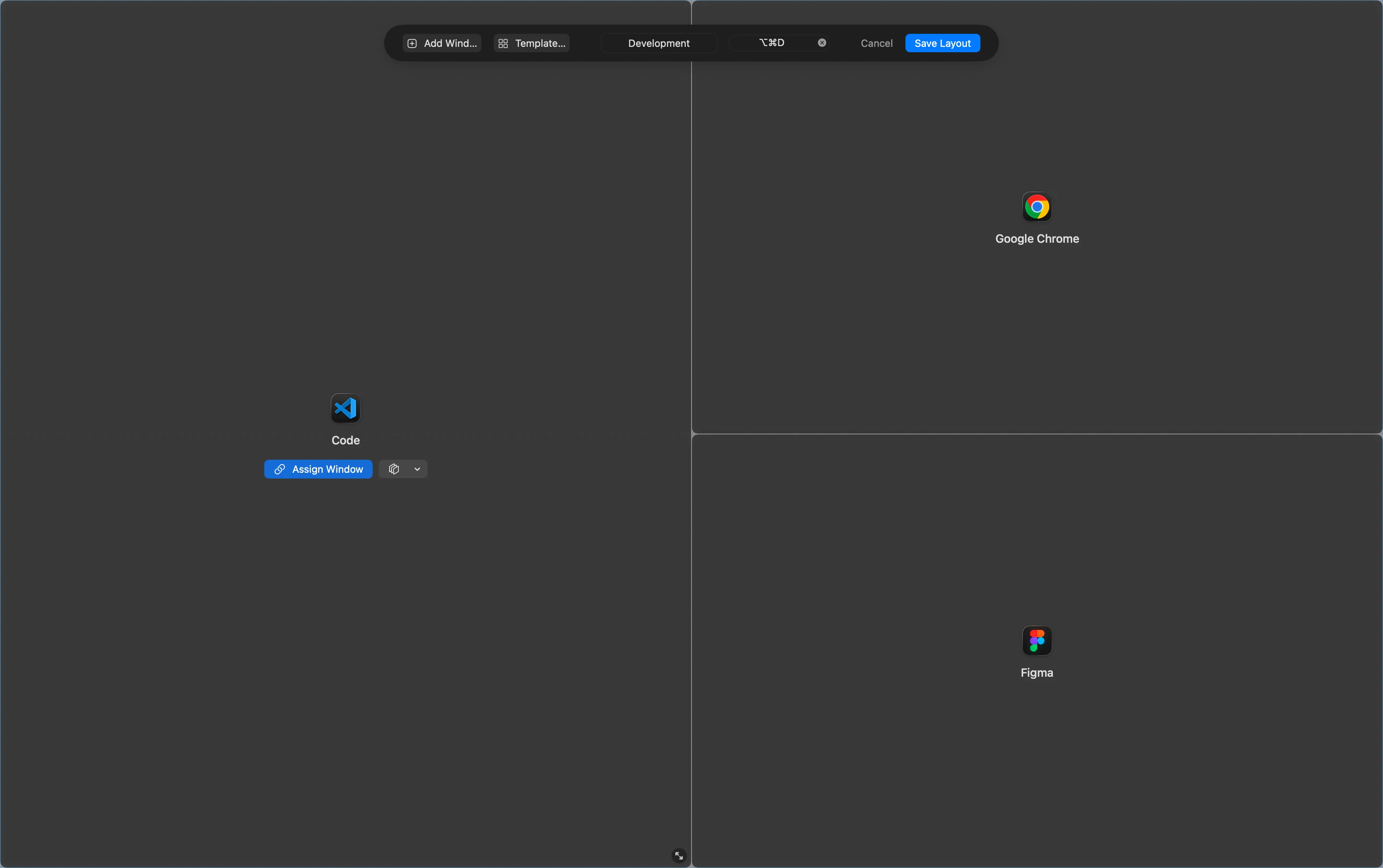
Visual Layout Editor
A full-screen, semi-transparent overlay with 6 preset templates—drag to resize, align, and even overlap windows.
Smart Matching
A 5-step fallback strategy (regex → exact title → prefix → best-effort → manual selection) helps each scene consistently find the right windows.
Seamless Automation
Switch scenes in seconds with dedicated hotkeys or menu bar control. Bear. Cowin waits for apps to launch, then restores every window to its place.
Always At Your Fingertips
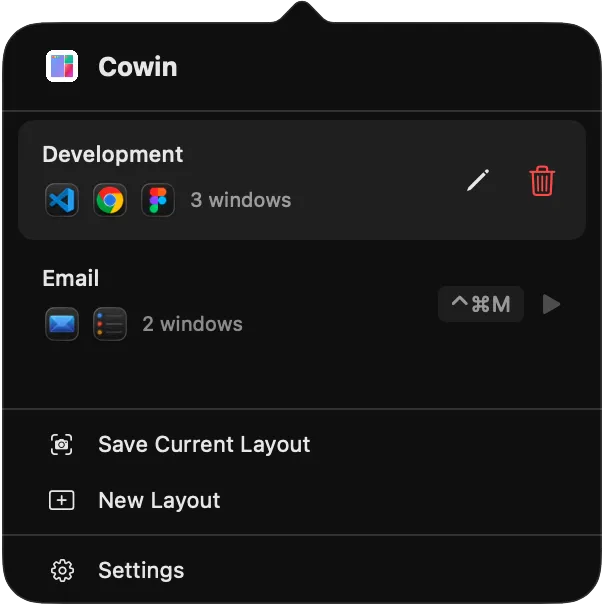
Manage all your layouts right from the macOS menu bar. Apply, edit, or create a new layout in seconds—without breaking your flow.
❌The Window Management Problem
- •Switching workflows means rearranging a bunch of windows—slow and focus-breaking.
- •Most tools snap a single window, not an entire scene layout.
- •Restoring a complex layout often requires every app to already be running.
- •Precisely matching the right window across desktops is harder than it should be.
✅The Bear. Cowin Solution
- •Save your current desktop as a scene layout and restore it anytime with a dedicated global shortcut.
- •Auto-launches missing apps and arranges their windows once they're ready.
- •Reliable window matching with regex, exact titles, or prefix rules.
- •A visual layout editor to create and fine-tune your perfect workspace template.
Upgrade Your Desktop Workflow
Download Bear. Cowin and stop manually rearranging windows.
Download cowin-latest.dmg* Requires macOS Accessibility permission to manage window layouts.