

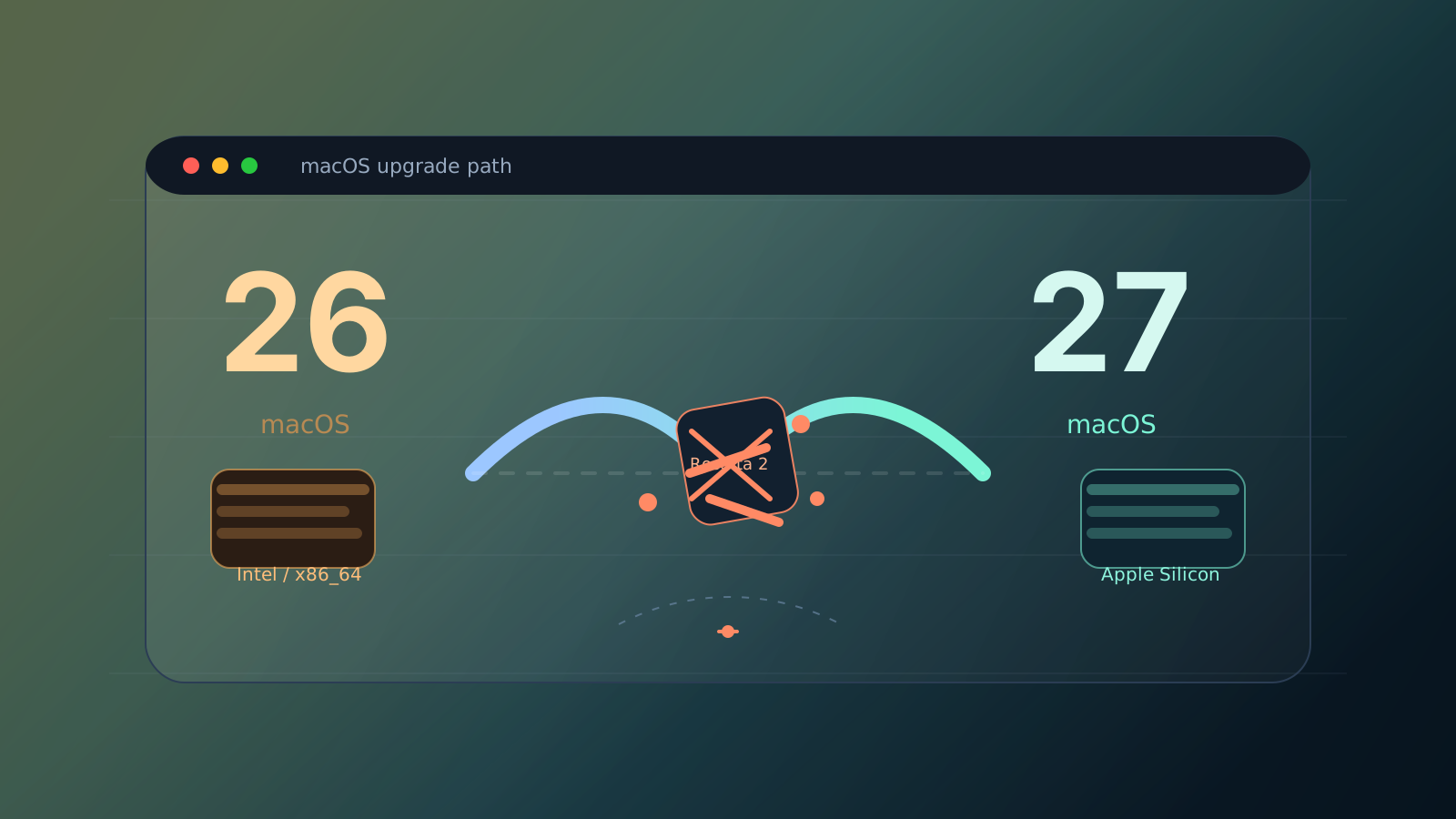
After upgrading to macOS 27 Golden Gate yesterday, I got the same surprise from both Claude Code and VSCode.
Claude Code kept saying Git is required for local sessions. VSCode's Source Control panel acted as if git wasn't installed. But in Terminal, git status worked just fine.
That was the weird part. In the end, the problem wasn't that Git was missing. It was a "ghost git" hiding in plain sight.
The short version
macOS 27 drops Rosetta 2, so Intel (x86_64) binaries no longer run.
If your PATH still contains an old git from the Intel-era Homebrew days, GUI apps may find it first, try to launch it, and fail. Then they report that git is missing, even though a perfectly good system git is sitting later in the path.
Terminal works because .zshrc puts the newer Homebrew path ahead of the old one. GUI apps don't always inherit that setup, so they behave differently.
The quickest fix is usually to remove the old
/usr/local/bin/gitsymlink.
How to check
Run this to list every git on your PATH:
echo $PATH | tr ':' '\n' | while read dir; do
  [ -e "$dir/git" ] && echo "$dir/git" && ls -la "$dir/git"
done
If you see something like this, you're probably looking at the culprit:
/usr/local/bin/git
lrwxr-xr-x  1 you  admin  14 Jun 28  2017 /usr/local/bin/git -> ../git/bin/git
That 2017 timestamp is the giveaway. It's usually an old Intel-era Homebrew symlink.
Try running it directly:
/usr/local/bin/git --version
If you get zsh: bad CPU type in executable, that's it.
Why Terminal was fine
Terminal and GUI apps don't always share the same environment.
- Terminal reads your shell config and puts
/opt/homebrew/binor similar ahead of the old path - GUI apps are more likely to inherit the system PATH
- So Terminal sees the good git, while GUI apps trip over the bad one
The annoying part is that nothing is actually missing. A broken old binary is just getting there first.
The fix
Delete the broken symlink:
rm /usr/local/bin/git
Don't worry about losing the system git. Apple's /usr/bin/git is still there, and GUI apps should fall back to it just fine.
If you still want Homebrew's git, just reinstall the ARM version afterward.
Clean up the rest of your Intel leftovers
If this happened once, there are probably other Intel-era tools lying around too.
You can scan your PATH like this:
echo $PATH | tr ':' '\n' | while read dir; do
  for f in "$dir"/*; do
    [ -f "$f" ] && [ -x "$f" ] && \
    file "$f" 2>/dev/null | grep -q "x86_64" && \
    echo "Intel: $f"
  done
done 2>/dev/null
I also found thefuck on my machine still built for Intel. It printed bad CPU type every time I opened Terminal. brew reinstall thefuck fixed it.
If it isn't git
The same logic applies to any other command:
- check whether an old binary with the same name appears earlier in
PATH - see whether it's Intel-only
- remove it or replace it with an ARM build
When a GUI app says "it's not installed", that doesn't always mean the tool is really gone. Sometimes a ghost from the Intel era is just blocking the door.