

A Clever Approach to AI Drawing I Accidentally Discovered
When designing promotional graphics for products, I often use AI, but there's a troublesome issue - the generated images have no layers and can't be easily adjusted afterwards. This is quite a headache for a developer who isn't very familiar with design.
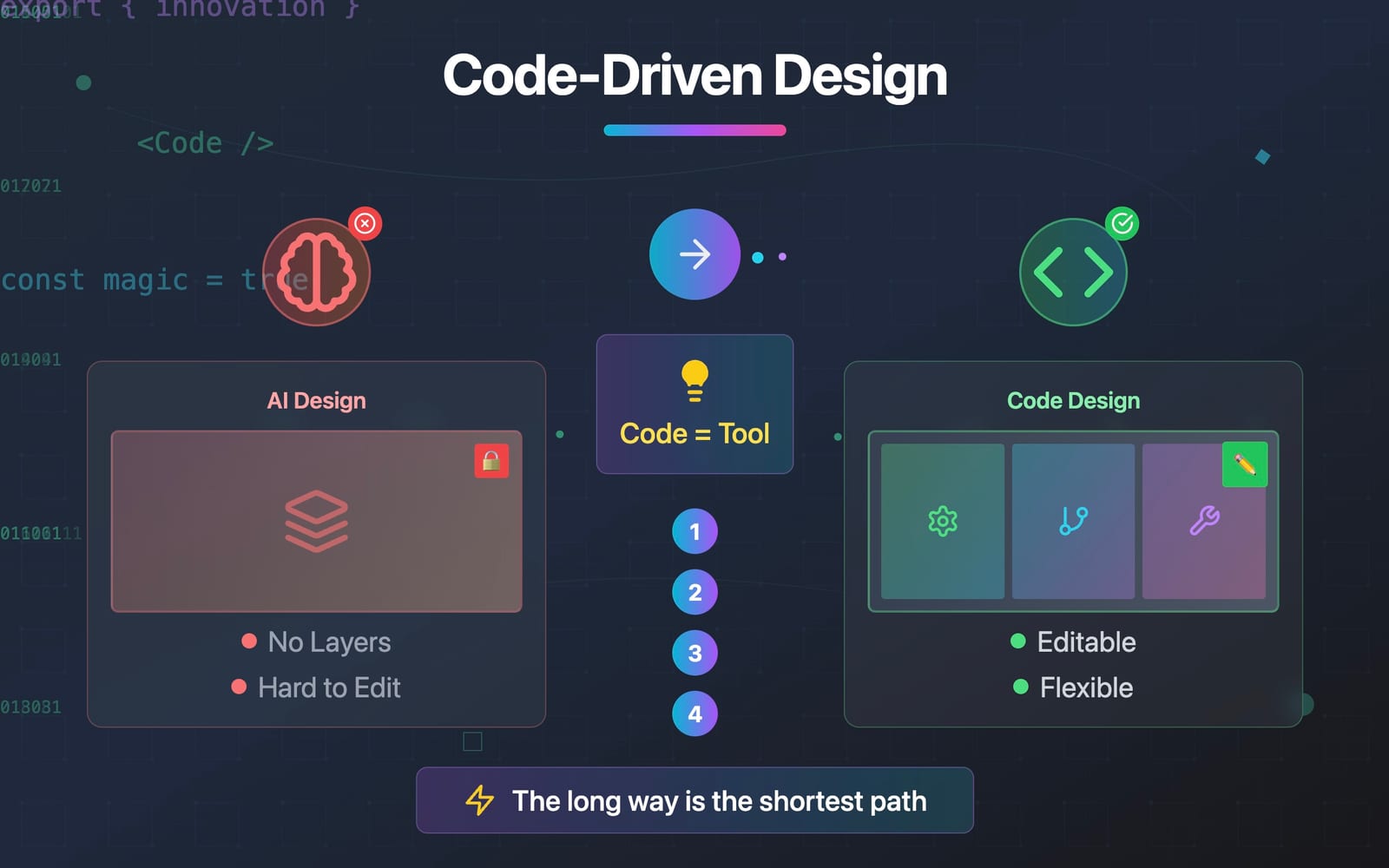
As an indie developer deeply rooted in the world of code, my heart sinks whenever I encounter the inevitable requirement to "create a promotional graphic" for my projects. But this time, instead of forcing myself to learn design software, I took a "detour" that only a programmer would think of.
Struggling with Conventional Solutions
Initially, I tried the "normal" approaches:
-
AI Drawing Tools: At first, it felt like finding a savior, but as product copy changed frequently, I discovered that every modification required regeneration, and adjusting details was a nightmare.
-
Figma Make: I was attracted to this new feature, but quickly realized it generates web pages rather than Figma design files, and there's no way to fine-tune them in the client or web interface.
Every attempt left me scratching my head: Why is creating a simple promotional graphic so complicated?
A Programmer's Creative Solution
After exhausting my last Figma Make trial credits, I stared blankly at the Figma interface, randomly clicking around, wondering if I could directly edit this file in Figma. Inadvertently, I discovered an inconspicuous button in a hidden corner:

Of course I clicked it, and it turned out to be a download for the code package of this file (the icon design language is terrible, by the way). Thinking about it, this makes sense - if you're doing web design, you should be able to reference the implementation in the code.
Looking at this code package downloaded to my computer, I casually opened it with VSCode to browse through the code. Although it was frontend code, it didn't even have a package.json. As I was browsing, a bold idea suddenly struck me:
Wait, if Figma Make outputs frontend code, why don't I just use code to "program" this promotional graphic?
At that moment, I seemed to see the light - solving problems I'm not good at with methods I excel at!
The Technical Approach to Design
Implementation turned out to be surprisingly smooth:
- Use the code package exported from Figma Make as a base template
- Use GitHub Copilot in VSCode to help me analyze project dependencies and complete project configuration
- Directly edit and adjust styles and content in VSCode
- Finally use html2canvas to convert the page to an image
The whole process was like writing a small frontend project, and I finally found that familiar feeling!
Unexpected Benefits
This seemingly roundabout method brought surprisingly delightful benefits:
- Version Control: Every modification has Git records, no more fear of changing requirements
- One-click Theme Switching: Want dark mode? Frontend projects make this a breeze
- Multi-language Design Graphics: Even easier to implement in frontend projects
- Cost Efficiency: No need to subscribe to another drawing AI service, and my monthly unused code AI quota finally has a new purpose
Technical Limitations
While there are many benefits, there are also some limitations. This approach can only achieve stylized graphics like article covers, business cards, geometric backgrounds, etc., and cannot generate fine-detailed design content like logos or realistic images.
So when using this method to generate images, you can provide some materials for AI reference, such as icons, logos, etc., which can compensate for some shortcomings to a certain extent.
A Programmer's Unique Perspective
This experience made me realize that cross-domain challenges don't necessarily require following traditional paths. As programmers, our advantage lies in:
Not being limited by tools, but creatively mastering them.
This approach of "using code to solve non-code problems" is, to some extent, precisely the unique value of tech people.
Maybe my method seems like taking a detour, but for me, it's actually the shortest shortcut - because it leverages my existing skills rather than learning a new field from scratch.
Final Thoughts
Next time you face challenges in unfamiliar domains, ask yourself: Is there a way to solve this problem using the tools I'm most familiar with?
Sometimes, the best solution isn't to force yourself to learn new skills, but to cleverly apply existing expertise and carve out an ingeniously unique path.